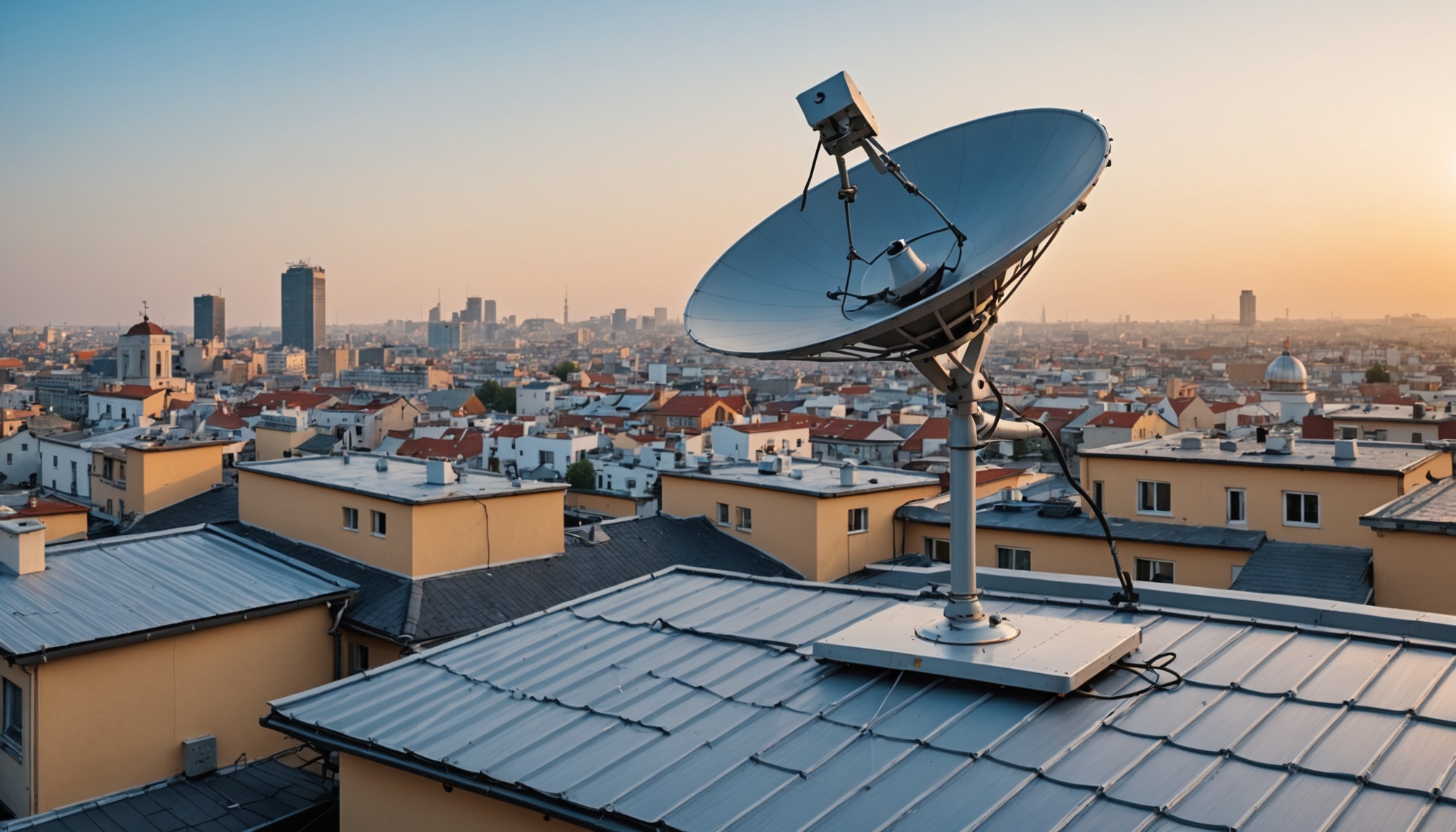
Fix Bell Satellite TV Issues 2026
Common Causes of Bell Satellite TV Issues
If you're like many who find their bell satellite tv channels not working, you're probably feeling a bit frustrated. But don't worry, there are several common reasons why this might happen, and most of them are fixable with a bit of troubleshooting. Let's go over some typical culprits.
Signal Interference
Signal interference is often a primary cause of satellite TV issues. Weather conditions like heavy rain or snow can disrupt the signal between your satellite dish and the satellite itself. Trees, buildings, or other obstacles can also block the signal path. In my experience, even something as simple as a misaligned dish can cause problems.
Incorrect Configuration
Another frequent issue is incorrect configuration settings. Whether you're using CCcam or OScam, if the configuration files are not set up correctly, you might find your channels refusing to show up. I've seen this happen when people overlook simple syntax errors or incorrect server details in their configuration files.
Hardware Malfunctions
Hardware issues can also lead to your Bell Satellite TV channels not working. This includes problems with your satellite dish, receiver, or even the cabling. Outdated or faulty equipment can result in a poor signal or even no signal at all.
Step-by-Step Troubleshooting Guide
Now that we've identified some common causes, let's work through a step-by-step troubleshooting guide to get your channels back on track.
Check Signal Strength
First things first, check your signal strength. Most satellite receivers have a built-in function for this. Navigate to your receiver's settings menu and look for the signal strength meter. Ideally, you want this to be above 70%. If it's lower, try adjusting the dish alignment or clearing any obstructions.
Verify Configuration Files
If your signal strength is fine, the next step is to verify your configuration files. For CCcam, you'll want to check the /etc/CCcam.cfg file. Make sure your server details are correct and there are no typos. For OScam, the /etc/oscam/oscam.server file is crucial. Correct port numbers and protocols are a must.
Test Hardware Connections
Finally, inspect all hardware connections. Ensure cables are securely connected and not damaged. If possible, test with a different receiver or LNB (Low Noise Block) to rule out hardware faults. It's worth noting that outdated receivers may not support newer transmission standards, causing compatibility issues.
Configuring CCcam/OScam for Optimal Performance
Once you've tackled the basic troubleshooting, it's time to dive deeper into configuration for optimal performance.
Editing Config Files
Editing the config files is where you can make a significant difference. In /etc/CCcam.cfg, optimize your server settings to ensure robust connectivity. For OScam, make sure your oscam.conf and oscam.user files are correctly set up to match your server's requirements.
Adjusting Port Settings
Port settings are vital for ensuring your connection isn't hindered by firewall issues. By default, CCcam uses port 12000. Ensure this is open in your router's firewall settings. For OScam, verify which ports you're using in /etc/oscam/oscam.server and adjust as necessary.
Protocol Optimization
For those who want to squeeze every bit of performance out of their setup, protocol optimization is key. Using protocols like Newcamd with OScam can enhance data transfer efficiency. Ensure your protocol settings in the config files match what your server supports.
Choosing a Reliable Cardsharing Provider
Having a reliable provider is just as crucial as having a good setup. But how do you choose one without falling for subpar services?
Key Criteria
When selecting a provider, look for uptime guarantees, responsive customer support, and a range of supported protocols. A good provider will have clear documentation and ample user reviews.
Security Considerations
Security should be a priority. Ensure the provider uses secure connections and doesn't oversubscribe servers, which can lead to performance issues. Avoid providers that ask for unnecessary personal information.
Performance Metrics
Finally, examine performance metrics. Look for low latency and high stability in user reviews. A provider with a well-maintained infrastructure will offer a more reliable service.
Why are my Bell Satellite channels not displaying?
This could be due to signal interference, incorrect configuration files, or hardware malfunctions. Check each of these areas to identify the root cause.
How do I check my satellite signal strength?
Use your satellite receiver's settings menu to access the signal strength meter. Aim for a reading above 70% for optimal performance.
What configuration files are essential for CCcam/OScam?
For CCcam, the /etc/CCcam.cfg file is crucial. For OScam, focus on /etc/oscam/oscam.server and oscam.conf.
How can I secure my cardsharing setup?
Use strong passwords, ensure your server uses encrypted connections, and regularly update your software to protect against vulnerabilities.
What are common hardware issues affecting satellite TV?
Common issues include misaligned dishes, faulty receivers, and damaged cables. Regular maintenance checks can help prevent these problems.